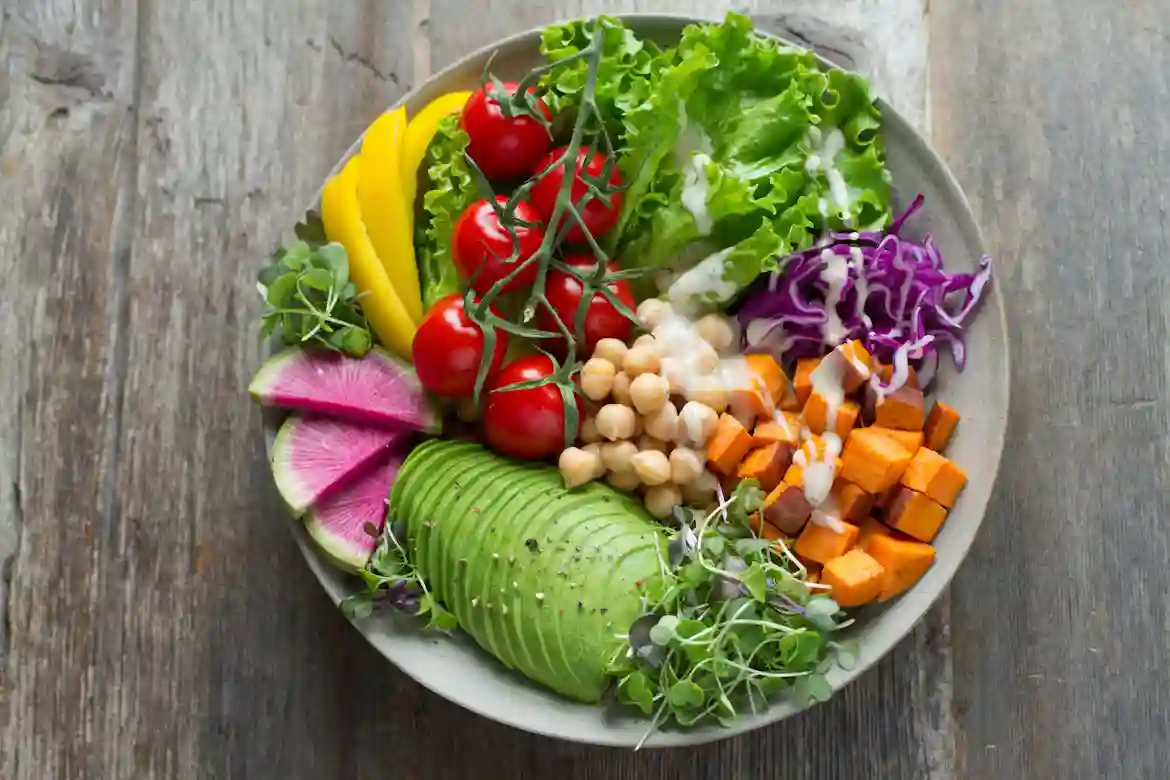
PreciEat helps diners scan True Food Kitchen menu items and review nutrition facts, ingredient notes, and allergen flags before ordering. The official True Food Kitchen nutritional and allergen guide remains the reference point, because menu items can vary and cross-contact can happen in the kitchen.
Why PreciEat Helps With True Food Kitchen Nutrition Facts
PreciEat turns a menu scan into a faster ordering decision for diners who want nutrition facts and allergen context. The app supports the decision, but the official True Food Kitchen guide remains the final reference because ingredients, suppliers, and preparation can change.
- Fast nutrition scan: Review calories, protein, carbs, fat, and sodium before you order.
- Allergen screening: Surface possible dairy, egg, soy, wheat, sesame, nut, and shellfish concerns.
- Menu comparison: Compare similar dishes and spot swaps that change the final nutrition profile.
- Order confirmation: Know when PreciEat should prompt a staff check for higher-risk allergy decisions.
What the Official True Food Kitchen Guide Covers
The official True Food Kitchen nutritional and allergen guide is the source of truth for this topic. According to the guide, menu data is compiled from supplier information, USDA data, and recipe analysis, but seasonal changes, location differences, and substitutions can still affect the final order.
| What PreciEat Reviews | Why It Matters |
|---|---|
| Calories and macros | Helps diners compare meals quickly. |
| Allergen flags | Helps identify possible safety concerns early. |
| Ingredient context | Shows why a dish may be flagged or customized. |
| Menu variation | Reminds readers that location and season can change results. |
How PreciEat Checks a True Food Kitchen Menu Item
PreciEat works best before ordering or while reviewing a menu, especially when a dish may be customized. In practical PreciEat scans, the biggest mistake is assuming the standard recipe matches the meal after substitutions.
- Open PreciEat before ordering or while reviewing the menu.
- Scan the menu item name, page, or printed insert clearly.
- Review the nutrition facts and ingredient context.
- Check the allergen flags and any customization notes.
- Compare similar items if you want a safer or lighter option.
What to Look for in the Results
Nutrition facts
Start with calories, protein, carbohydrates, fat, and sodium. These numbers give a fast picture of how the meal fits a daily goal, whether the priority is lower calories, higher protein, or a better sodium balance.
Allergen guidance
Check the allergen flags before you order. A warning does not always mean the dish is impossible to eat, but it does mean the ingredients should be reviewed carefully and confirmed with staff when the risk matters.
Ingredient context
Ingredient context explains why a dish may be flagged. Sauce, dressing, garnish, topping, or protein choice can change the final result, so PreciEat should be used as a quick screening tool rather than a final guarantee.
Customization and substitutions
Customization matters because substitutions can change calories, macros, and allergen exposure. If the final order is different from the standard menu item, the scan should be reviewed again before the order is placed.
When a Scan Is Not Enough
PreciEat is a decision-support tool, not a safety guarantee. True Food Kitchen is not a nut-free or gluten-free kitchen, and cross-contact can happen, so higher-risk allergy situations should always be confirmed with staff before ordering.
Menu items can also vary by season, location, supplier availability, and preparation method. A scan should guide the choice, but the restaurant’s current menu and staff confirmation should finalize it.
Why PreciEat Fits This Use Case
PreciEat is built for clearer food decisions. The app helps diners move from menu text to a usable nutrition and allergen snapshot, which makes it easier to choose, customize, confirm, or keep looking.
- Quicker decisions: Turn menu text into useful nutrition guidance fast.
- Cleaner comparisons: Compare dishes side by side without manual digging.
- Safer screening: Spot possible allergen issues earlier in the ordering process.
- Better follow-up: Know when to ask staff for confirmation.
FAQ
Can PreciEat replace the official True Food Kitchen nutrition guide?
No. PreciEat speeds up review and comparison, but the official True Food Kitchen nutritional and allergen guide is the reference point for final decisions.
Does scanning guarantee allergen safety?
No. Scanning can help identify possible concerns, but it cannot guarantee safety because menu items vary and cross-contact can happen in the kitchen.
What should I do if the menu item changes at my location?
Use the scan as a starting point, then confirm with staff. Location-specific preparation, substitutions, and seasonal changes can affect both nutrition and allergen results.
What if PreciEat does not recognize the menu item?
Rescan the item or verify the exact menu name. If the item still does not appear, use the official True Food Kitchen menu and ask staff for details.
Conclusion
PreciEat is one of the fastest ways to review True Food Kitchen nutrition facts before ordering. The safest workflow is simple: scan the item, read the results carefully, and confirm with the restaurant whenever the decision matters.